Download and try the program
Download Sitekoom Attendance
A program on your computer that works even offline. The trial needs no account and no activation code.
Download coming soon. Leave us a message and we'll send you the program as soon as it's ready.
Contact usStep 1
Download and install
One installer for Windows 10 and 11.
Step 2
Try it for 14 days
Enter your company, staff, their shifts and your devices, then press “Start the trial”.
Step 3
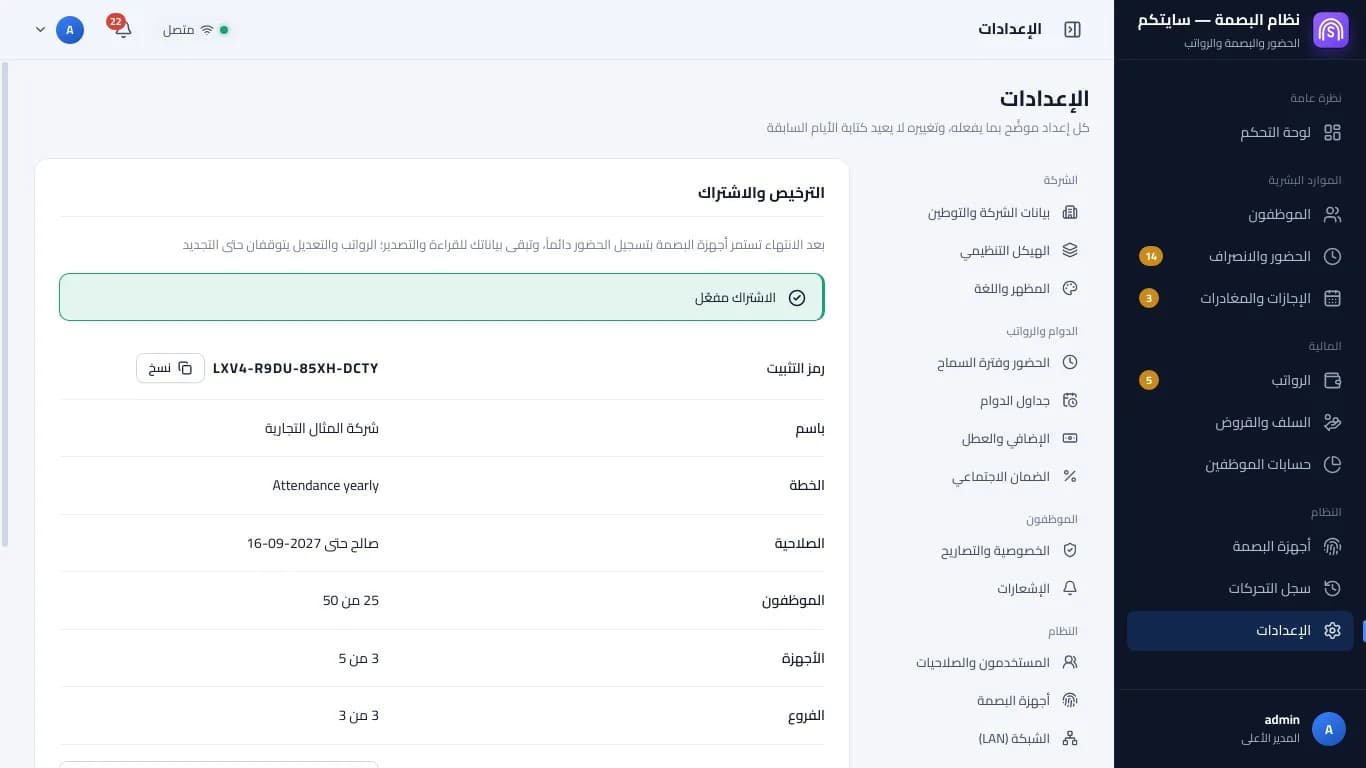
Copy the installation code
From “Licence and subscription” in the program.
Step 4
Subscribe and paste the activation code
The activation code is issued once payment is confirmed, and your data stays as it is.
Where is my installation code?
- 1Install the program on the main computer that keeps the company's data.
- 2Open the program, then Settings → “Licence and subscription”.
- 3Copy the “installation code” (16 letters and digits) and paste it when you subscribe, or later in your portal.