
Restaurant edition add-on
QR table ordering & online menu
Guests scan the table code, your menu opens on their phone, they pick items and extras and send the order; it reaches your cashier to accept — sales and payment stay in your POS.
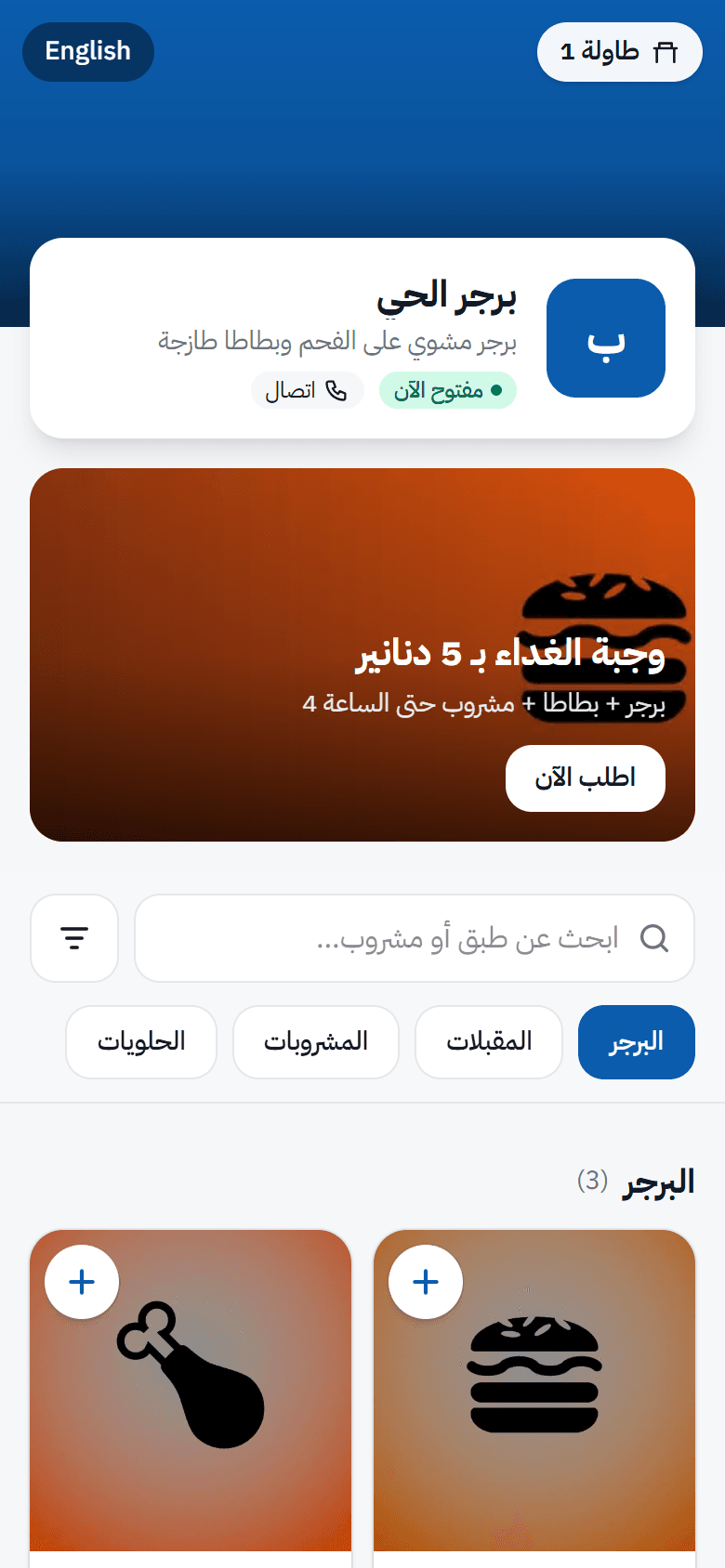
Three steps from the table to the kitchen
- 1
The guest scans the table code
A secure QR code per table opens your branded menu — no app.
- 2
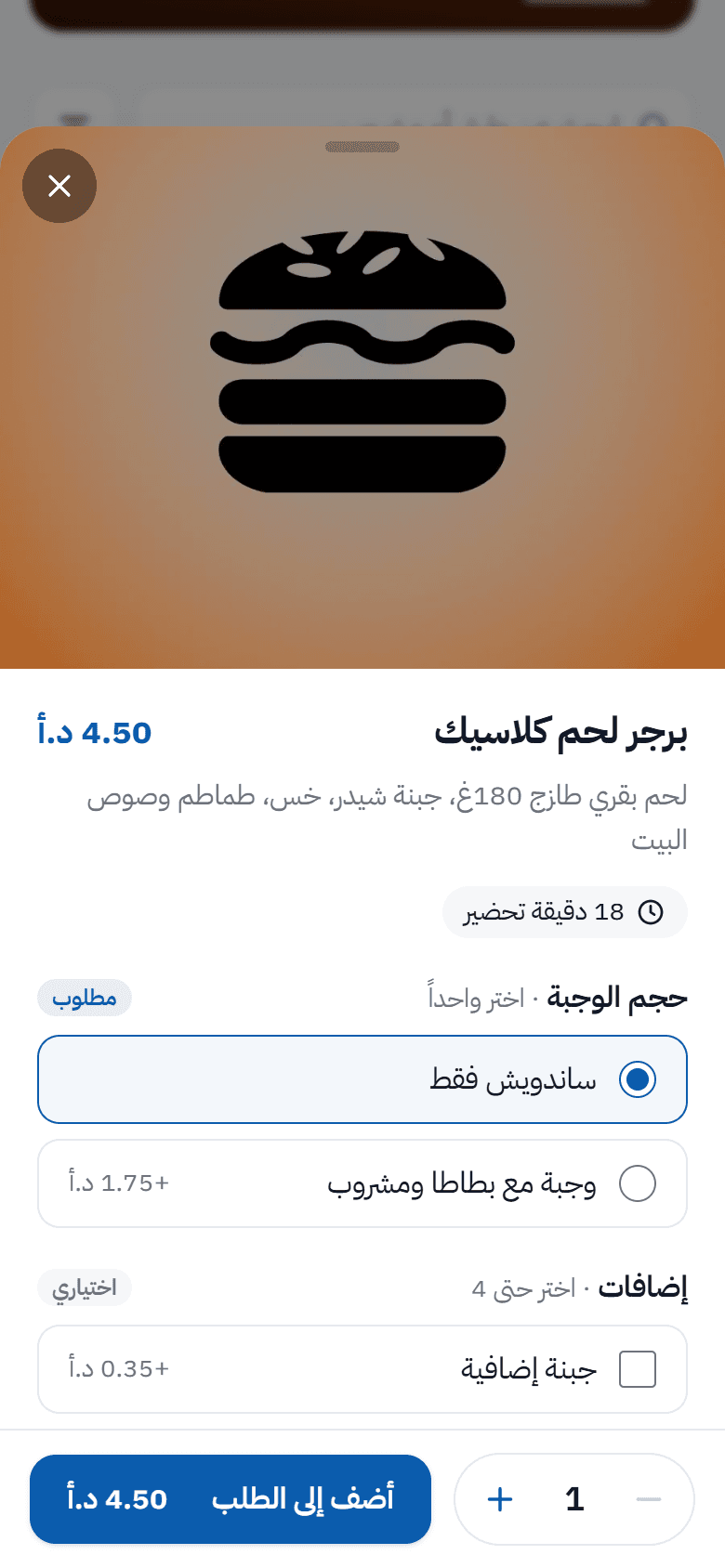
Chooses and sends the order
Options, extras and prices exactly as in your POS.
- 3
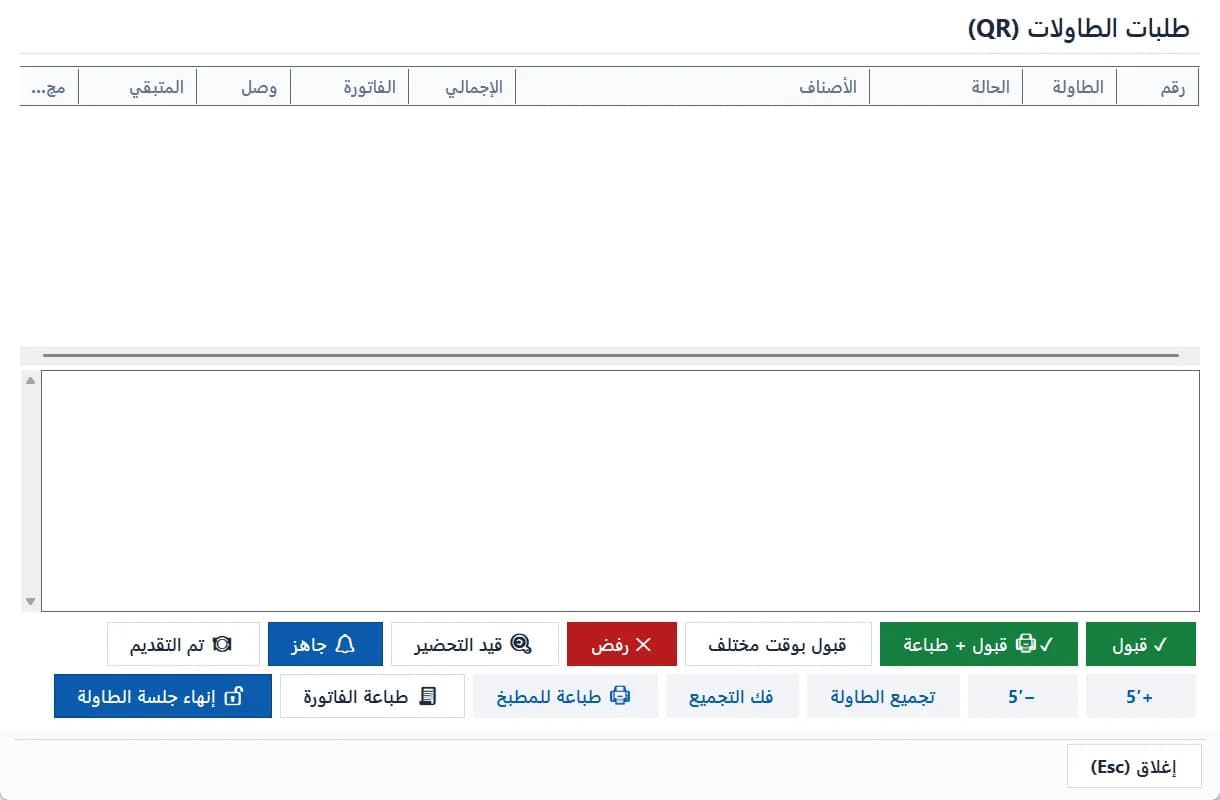
The cashier accepts
“Accept” creates one paid sale at once, and the kitchen ticket prints as configured.
Built to be reliable at rush hour
- The guest never sees “accepted” before the POS saved the sale
- Pressing “accept” twice never creates a second sale or stock movement
- The guest sees the expected preparation time, adjustable by ±5 minutes
- “Request the bill” from the phone reaches the cashier without closing the table
- After the table session ends, the next party never sees previous orders
- Turning the add-on off hides everything without deleting data
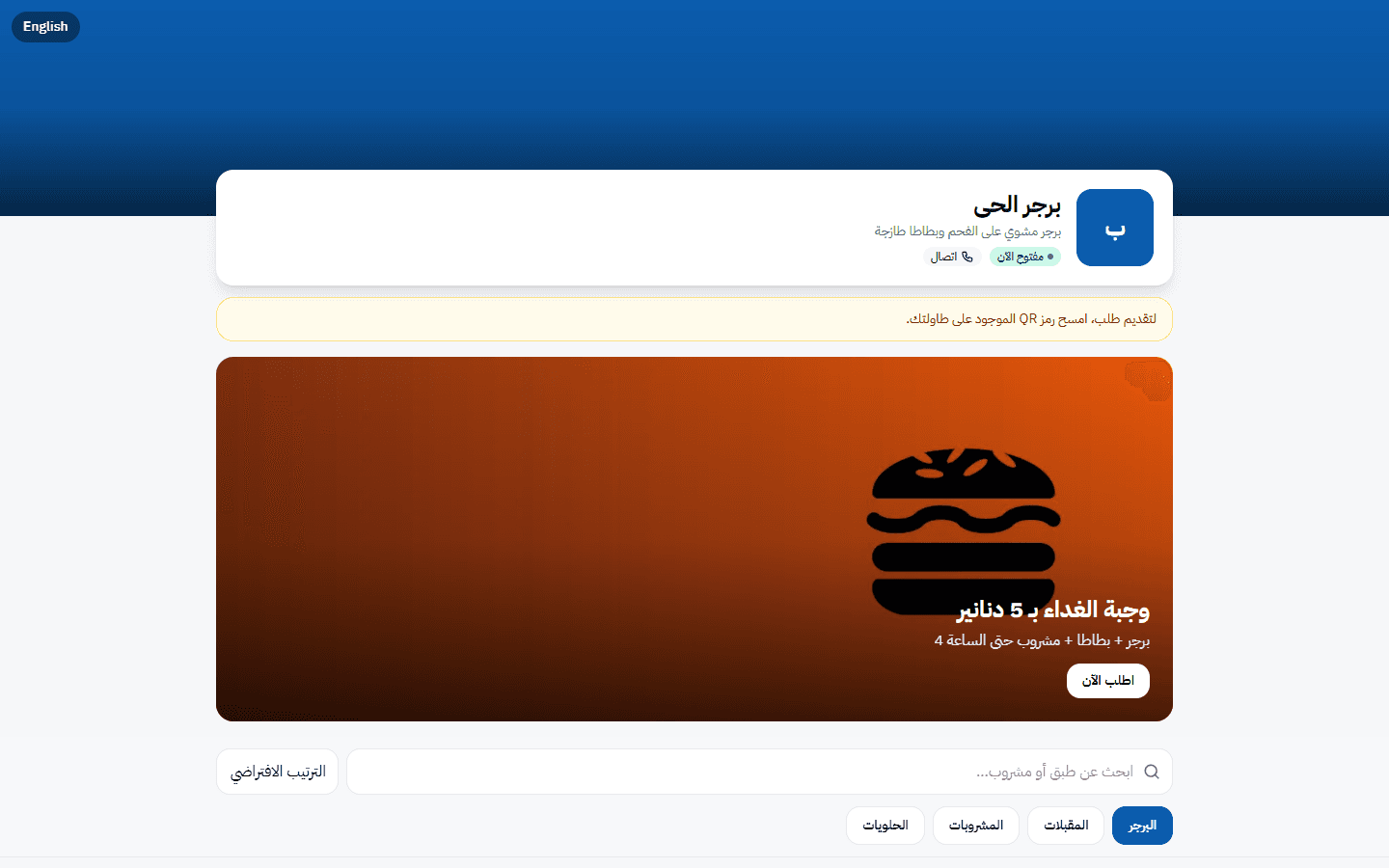
Turn every table into an order point
The add-on is enabled on the menu platform automatically after payment; the POS connection code is in your portal.